

Interface copy directly affects experience. Avoid jargon, don''t pile on details, keep "you/I" references clear, and use Arabic numerals — sidestepping these pitfalls makes UI more intuitive.
When designing UI, carefully consider how to express text — how to make the interface intuitive and improve the experience. There are many approaches, but also pitfalls. Here are a few common ones.
1. Minimize slang and jargon
Uncommon slang and jargon add needless cognitive load. Avoid low-recognition words and use plain language for a better experience.
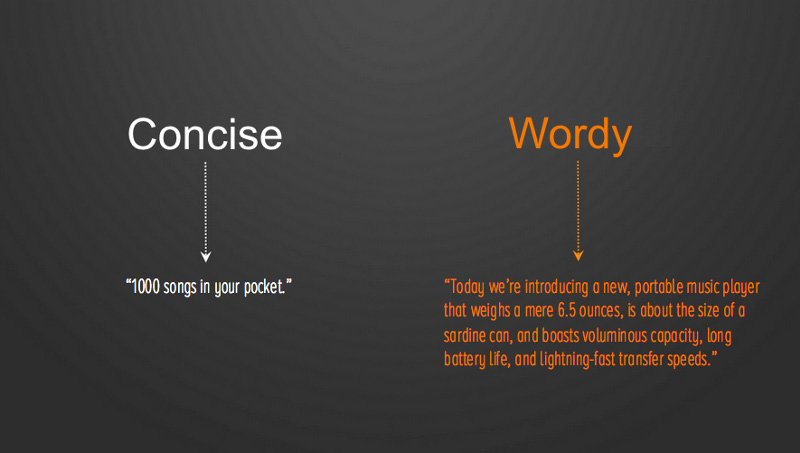
2. Don''t write overly detailed descriptions
With interaction-focused UX, the interface needn''t spell out every detail — a concise summary is enough: guide users onward first, then unfold details gradually. Step into the user''s role — do they really need this now? Keep text within about 30 characters, short and precise.
3. Distinguish "you" from "I“
Confused references frustrate users. Prefer "adjust in Personal Settings" over "adjust your settings in My Account“.
4. Use Arabic numerals for data
Arabic numerals are grasped at a glance, so use them for data in UI.