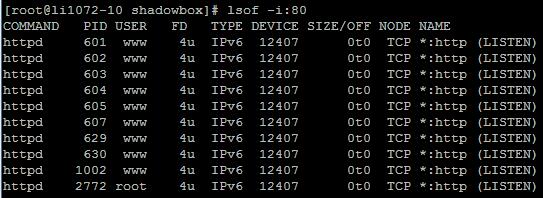
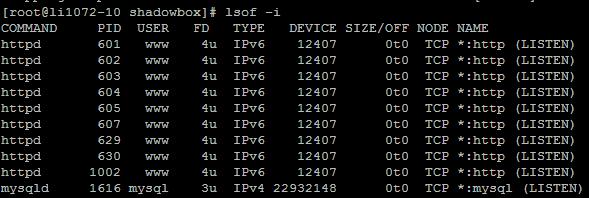
Use lsof -i and netstat -tunlp to find which process holds a port, combined with grep to quickly locate a specific port.
1. lsof -i
lsof -i shows matching processes; lsof (list open files) lists files currently open on the system. Run as root:
lsof -i:PORT2. netstat -tunlp
netstat -tunlp shows TCP/UDP ports and processes; combine with grep for a specific port, e.g. port 80:
netstat -tunlp | grep 80